Walk the checklist. Talk.
Hand the client a polished report.
Whatever you inspect on-site — a home, a rental turnover, an HVAC system, a property's grounds — OnSiteNotes gives you a guided checklist, captures voice / photos / notes per item, and writes the client report for you. The AI runs on your iPhone, not on our servers. Cloud sync is opt-in, tied to your Apple ID, with full export and delete on demand.
How it works
One app. Many trades. Reports that write themselves.
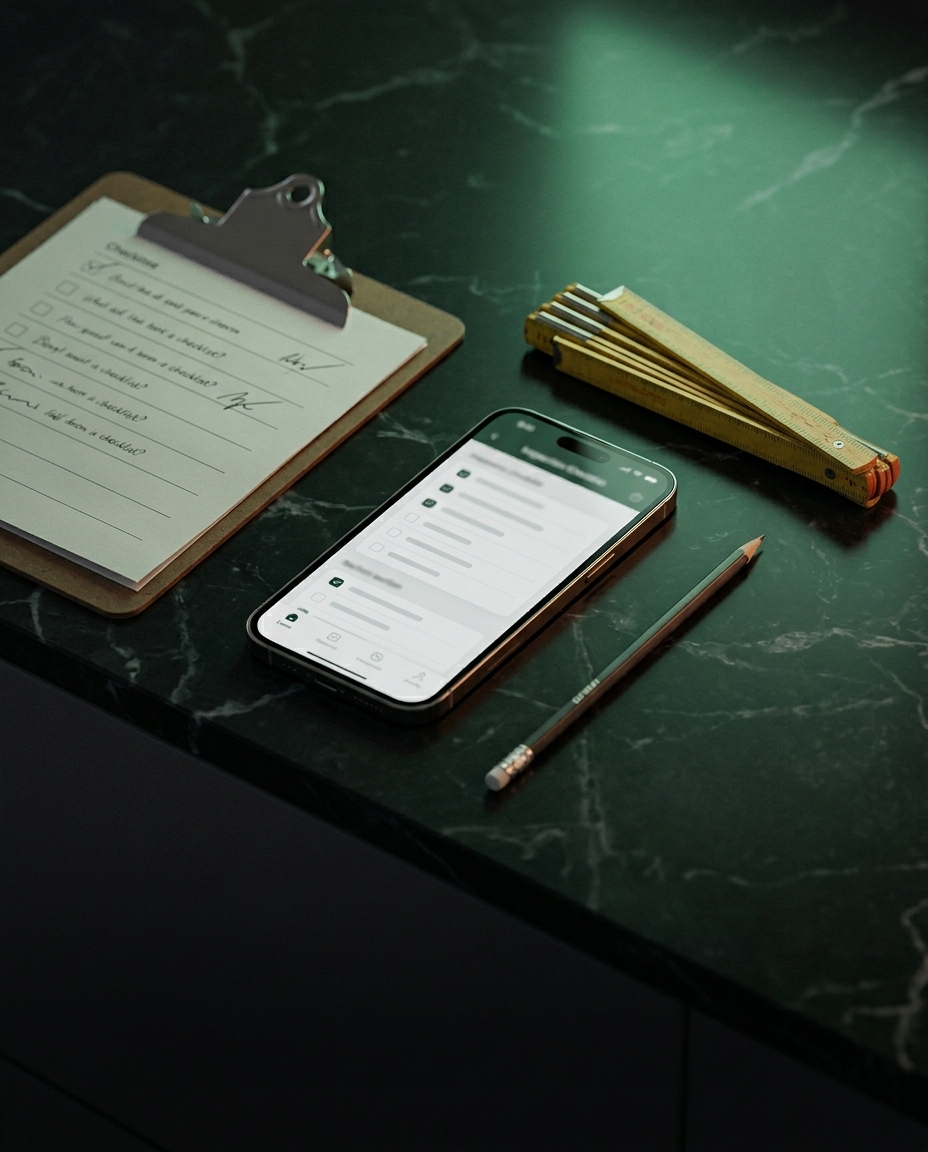
Pick the template that matches the job. Walk the checklist. Talk, snap, tap. The report comes out in the format your clients expect — whatever profession you're in.
Structured checklists per profession
Pick a template — Full Home Inspection at launch; Property Walkthrough, Cleaning Turnover, HVAC Service, and Landscaping rolling out next. Each template ships with the specific points your trade actually verifies, so nothing gets missed.
Voice → structured finding
Tap the checklist item, talk: 'Loose connection on breaker 4.' On-device AI extracts the issue into a polished finding with severity, condition, and recommendation. Faithful to what you said — no invented details.
Pass / Fail / Safety / N/A per item
Tap a state badge as you walk the checklist. The cover page rolls up the counts; the executive summary pulls every Safety and Major finding to the front. Clients see what matters without scrolling.
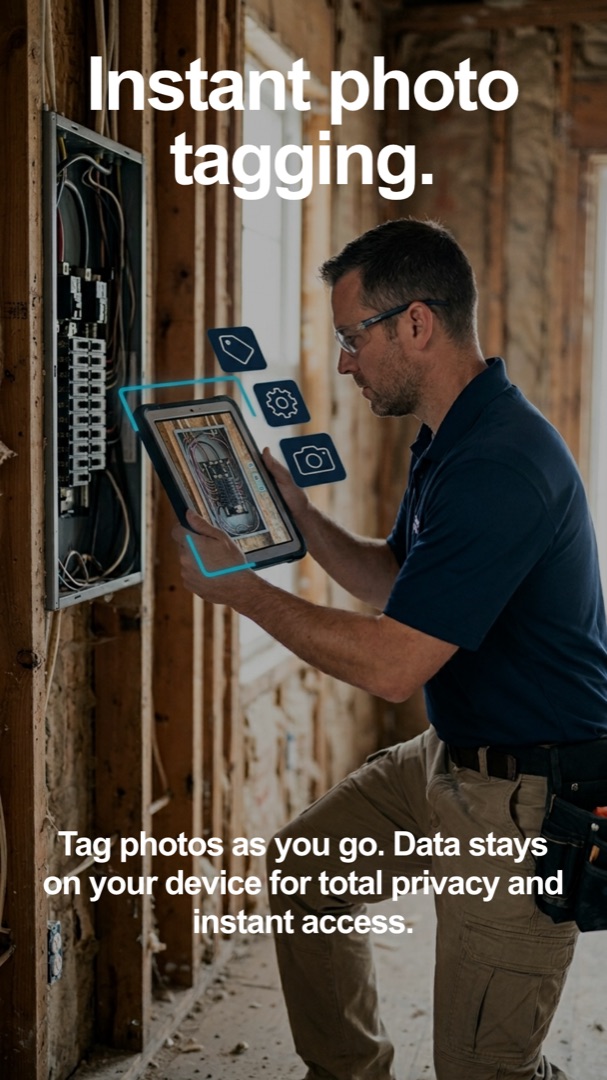
Photos belong to the right item
Take a photo from the camera or pick from your library — automatically attached to the checklist item you're on. The report embeds it next to the corresponding text. No relabeling at the truck.
Client-ready report, executive-summary first
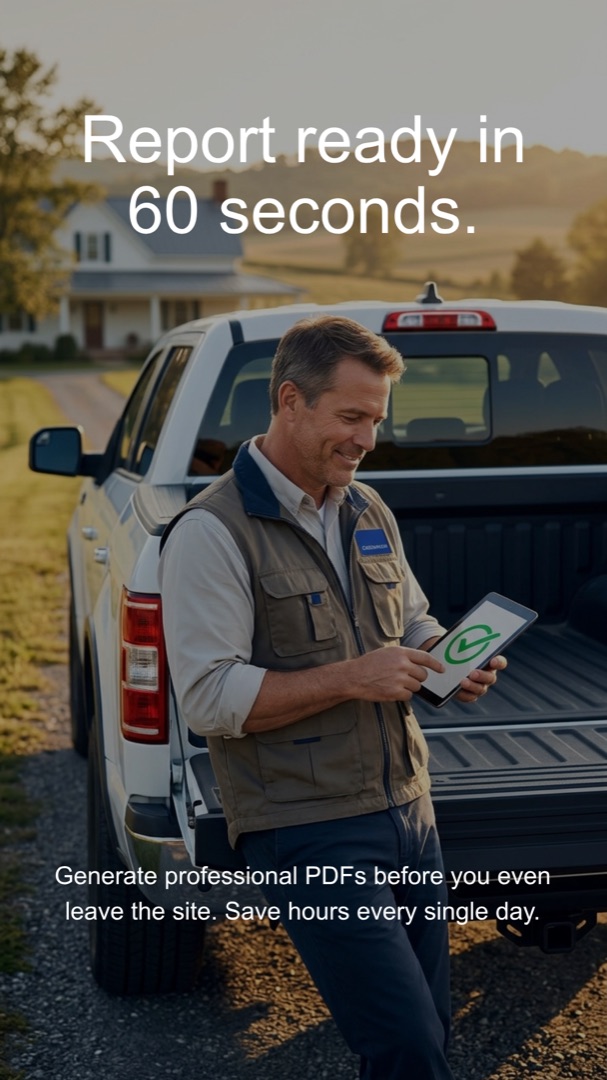
Cover with your branding, executive summary of major and safety findings, per-system pages with photos inline, glossary of terms, professional disclaimer. Send straight from the share sheet.
Severity color-coded throughout
Minor / Major / Safety classified on-device, with consistent color and ordering on every page of the report. Easy to scan, hard to misread.
Works in basements, attics, anywhere
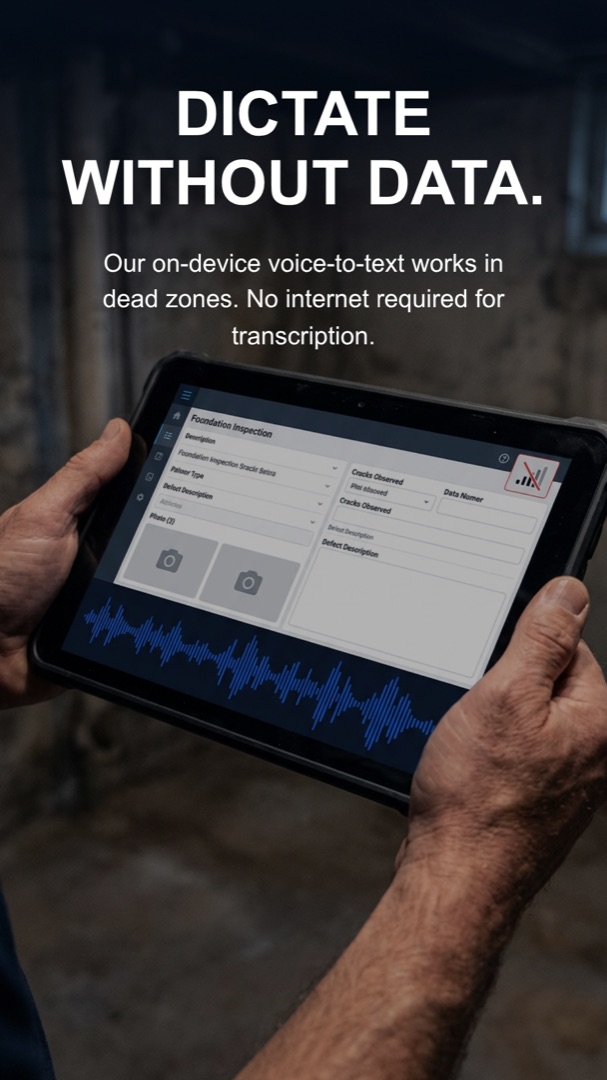
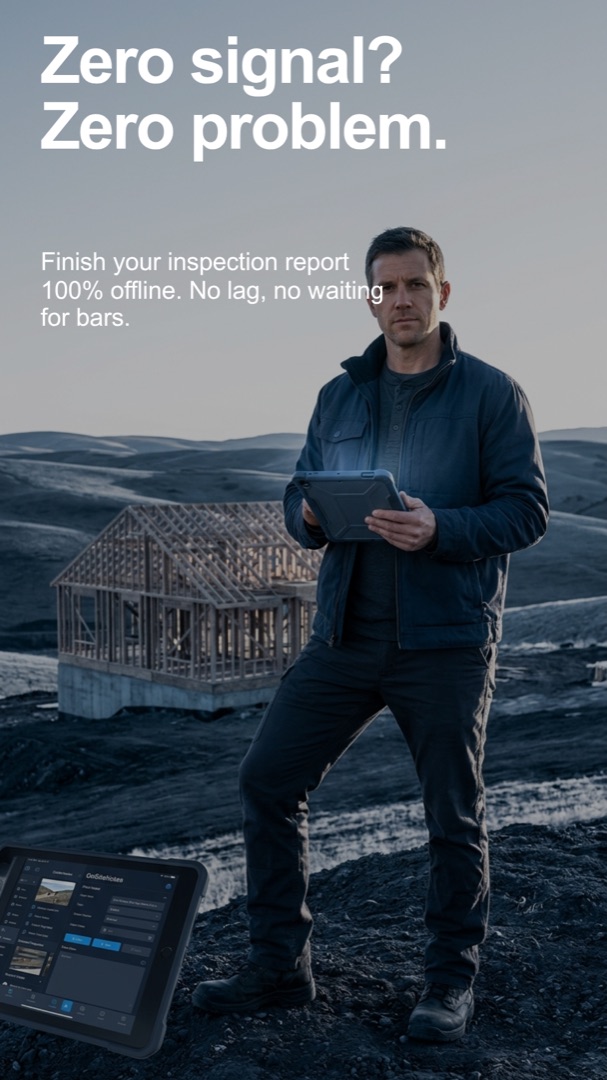
All AI runs on your iPhone. No cellular, no Wi-Fi, no problem. We don't run servers or hold accounts — your reports live on your device, and only go elsewhere when you choose (Apple's iCloud Backup if enabled, or an explicit export file you control).
Your data, your device, your control
We hold zero servers and zero user accounts — there's nothing to log into. Reports stay on your iPhone. Two recovery options if you change devices: Apple's iCloud Backup (if you have it enabled), or an Export Backup button that creates a portable file you save where you want.
Apple Intelligence or open-source on-device
Picks the best engine available: Apple Intelligence on iPhone 15 Pro / 16 / 17, or an on-device open model (Gemma 2 2B) on everything else. You toggle in Settings; both produce the same report.
Built for the trades
Inspections, worklogs, service routes — one app, your templates.
Five categories of on-site work, dozens of starter templates, every one of them editable. Tweak an item, rename a section, save it as your own template, share it with the community. Your wording, your sequence, your report.
Inspections
Walk an asset, check defined points, deliver a polished report. Every template is editable — make it yours, save it, reuse it.
- Home inspection
- HVAC service & maintenance
- Electrical service & maintenance
- Real-estate move-in / move-out
- Cleaning turnover (Airbnb quality QC)
- Commercial / building inspection
- Pre-purchase vehicle inspection
- Insurance claim adjusting
Worklog
Document a job from first nail to handover — materials, hours, expenses, photos by phase, signed acceptance. Built for handymen, contractors, and tradespeople running paid work.
- Carpentry & cabinetry
- General contracting & renovation
- Plumbing installation jobs
- Electrical wiring jobs
- Painting & finishing
- Landscaping & garden projects
- Solar / EV-charger installs
- Roofing repairs & replacements
Service & maintenance routes
Recurring on-call work — fast in-and-out per stop, route summary at the end of the day.
- Plumbing service calls
- Pool service routes
- Pest & termite control
- Roof maintenance
- Tree care / arborist
Compliance & safety
Standardized walks with required artifacts. Signed-off forms, photographic evidence, regulatory references baked into the report.
- OSHA safety walks
- Fire safety inspections
- Energy audits
- Food / health inspections
- Childcare / playground checks
Surveys & assessments
One-off documentation jobs where evidence and clarity matter most.
- Storm-damage assessments
- Restoration assessments (water, fire, smoke)
- Forklift / heavy-equipment inspections
- Boat / yacht surveys
Don't see your job?
We're adding new services every few weeks based on real inbound demand. Tell us what you do on site and we'll build the template.
Request a service[email protected] — we read every message.
Built for the field
Designed for the conditions you actually work in.
Crawlspaces. Bad signal. Tired evenings. OnSiteNotes is built for the moments when your software usually fails — so it doesn't.
Pricing
Pay for the trade you actually do.
One Trade if you specialize. All Trades if you run a multi-trade company, or want every service we ship — now and in the future.
One Trade
Pick a single profession.
Switch your active trade once per quarter. Save $49/year on annual.
- Pick one profession (e.g., Home Inspection)
- All checklists for that profession
- Voice → structured findings on-device
- Executive summary, glossary, disclaimer in every report
- Your logo + business branding on every report
All Trades
Every profession, current + every future one we ship.
Lock in today, get every new service we ship at no extra cost. Save $121/year on annual.
- Everything in One Trade
- Every profession we ship — current + future
- New services unlocked automatically at no extra cost
- Best for multi-trade businesses and generalists
Save 90 minutes per inspection.
Already using OnSiteNotes? Sign in to your dashboard to view, share, or export every report you've ever recorded.
FAQ
Common questions
Does it really work offline?
Yes — that's the point. Speech-to-text and AI extraction both run on the iPhone's Neural Engine. No cellular, no Wi-Fi, no problem. Tested in real basements and crawlspaces. The only network call the app makes by default is the one-time download of the on-device AI model from Hugging Face on first launch. Optional cloud sync (signed in with your Apple ID) is the second case where the app talks to a server.
If I delete the app, do I lose all my reports?
Two safety nets, both fully under your control. (1) If you have Apple's iCloud Backup enabled (Settings → Apple ID → iCloud → iCloud Backup), iOS automatically snapshots OnSiteNotes' data daily — reinstalling on the same Apple ID restores everything. (2) Inside the app, Settings → Backup & restore lets you export a portable backup file containing every report and photo. Save it to Files, AirDrop it to yourself, anywhere you want. Re-import on a fresh install. We hold nothing, so neither option goes through us.
Which AI engine does it use?
Two on-device options, picked automatically: Apple Intelligence on iPhone 15 Pro / Pro Max and the entire iPhone 16 / 17 lineup, or an open-source Gemma 2 2B model on every other supported iPhone. You can override the choice in Settings. Both produce the same structured report — only the inference quality differs.
Which professions does it support?
Launch covers home inspection in depth — 10 industry-standard system checklists (Building Exterior, Electrical Panel, Foundation, Plumbing, HVAC, Chimney, Termite, Roof, Pool, Attic) with 150+ verification points. Property managers, cleaning turnovers, HVAC service techs, and landscaping crews are next on the roadmap, each with their own checklist library. The underlying app is industry-agnostic — only the checklist content is profession-specific.
Can I make my own checklist?
Custom checklists and per-jurisdiction tweaks are on the roadmap. v1 ships with the 10 home-inspection systems pre-loaded plus a free-form Custom section so you can add anything not covered by the templates today.
What does the report look like?
A multi-page, client-ready report: cover with your branding, an executive summary that pulls every Safety and Major finding to the front, per-system pages with photos embedded next to the corresponding text, a glossary of inspection terms, and a professional non-invasive-inspection disclaimer. Exported as a PDF and sent straight from the iOS share sheet.
Can I customize the checklist or report template?
Yes — every built-in template is editable. Open it, change items, rename or reorder sections, save it as your own custom template, reuse it on every report. You can also share custom templates with the community in-app, or download what other professionals have published.
How does this compare to typical inspection software?
Three things make OnSiteNotes different: (1) the AI runs on your iPhone — your transcripts and photos stay on the device by default, with cloud sync as an opt-in feature tied to your Apple ID, (2) you talk into the mic and the AI structures it for you instead of typing into forms, and (3) pricing starts at $19/month for a single trade — meaningfully lower than the typical $80–$120/month for cloud-locked inspection tools.
Who is behind this?
A solo developer building this in public. No VC, no team, no investors pushing for unrealistic features. The roadmap is set by inspectors using the product. If you have feedback, you'll talk to me directly.